

For clients / Your account
How signing in works
Sign in with a single-use link sent to your email address.
Who can do this: Clients
Request your link
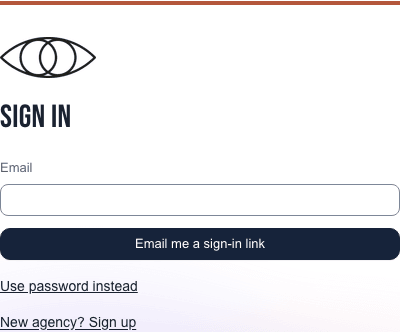
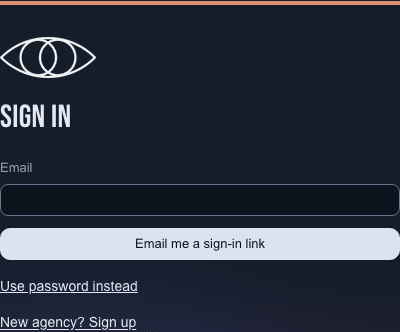
Open the sign-in page, enter your Email, and select Email me a sign-in link. The page says Check your email. If you used the wrong address, select Use a different email.
Open the email and select Sign in. Check your name on the next page and select Continue. You return to the page you wanted to open, or your plans.
Your link and session
A link you ask for works once and expires after 1 hour. Asking for a new one cancels your earlier requested links. Links in notification, welcome and admin emails work once for 7 days. Once you use it, you stay signed in for 30 days of use. You can sign out from the menu whenever you want.
Disabling your account cancels all your unused sign-in links. If an admin enables it again, request a new link; the old ones stay expired.
You can also set a password on your account page, then choose Use password instead when signing in.
Request another link
Return to the sign-in page and request a new link if yours has expired or you have already used it. If no email arrives, check your spam folder. For your privacy, the app never says whether an address has an account.