

For agencies / Admin
Activity log
A record of who changed what in your agency, and when.
Who can do this: Admins
Open Agency in the menu, then the Activity tab. Only Admins can open it.
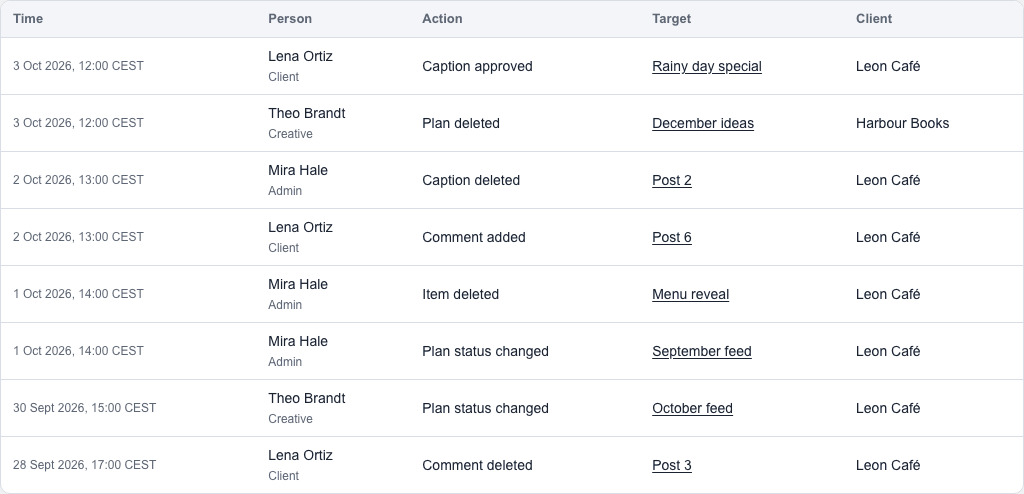
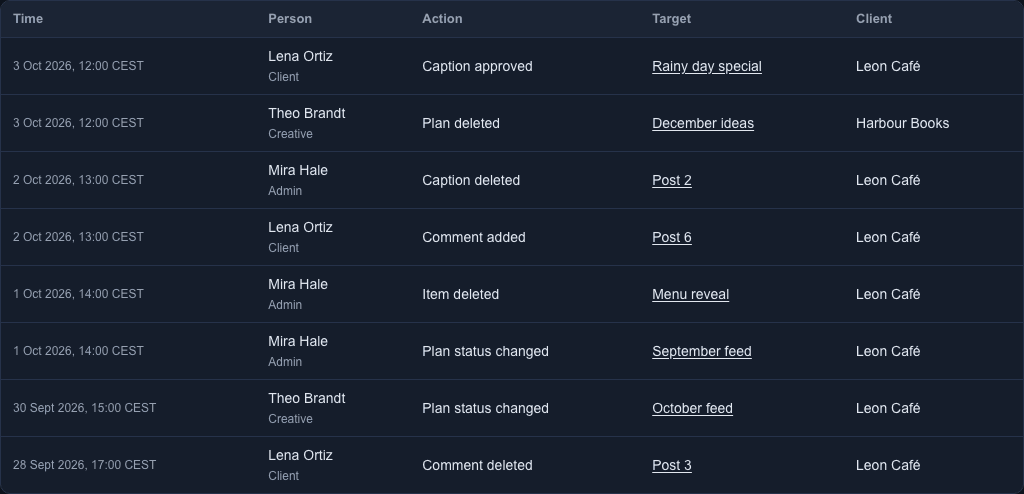
What each entry shows
Each entry shows when it happened, who did it and their role, what they did, what it was done to, and the client. Select an entry's target to see the old and new values. For captions, comments, photos and passwords it says only that something changed, not what. On a phone the changes show inside each card.
Work the app does by itself, such as finishing a video upload, is listed under System.
Times and filters
Times are in your own local time, as your browser reports it, with the time zone's short name after each one, for example CEST.
Filter by From date, To date, Person, Client or Action category, or use Search targets to find a plan, post or other name. Select Apply filters. From date starts at midnight your time, and To date includes the whole of that day. The newest entries come first; select Next page for older ones.
What isn't recorded
The log lists successful changes, sign-ins and sign-outs. It doesn't record which pages people looked at, attempts that failed, or saves that changed nothing.
Entries can't be edited, deleted or exported, and they are not removed over time. The log starts from when it was introduced, so earlier changes are not in it.