

For agencies / Admin
Who is online
See who in your agency has the app open, and choose whether your clients see it too.
Who can do this: All staff
The Online control in the top toolbar shows who in your agency has the app open, with up to three faces. On a phone it sits in the header and shows up to two. Open it to see each person's name and role, the client a client user belongs to, and You on your own row.
Staff always see everyone online in the agency, client users included, and which page of a plan a client user has open.
What counts as online
Someone is online while the app is open and in the front on one of their devices. The list can be up to about 90 seconds behind. Closing a tab normally removes it at once, so a person leaves the list when they close their last tab. A hidden or lost tab drops off after about 90 seconds.
The Online list shows only that someone is here, not what they are looking at. No history is kept.
Choose who sees it
Admins choose who else sees the list:
- Open Agency in the menu. The Details tab opens.
- Choose Staff only or Everyone in this agency under Online presence.
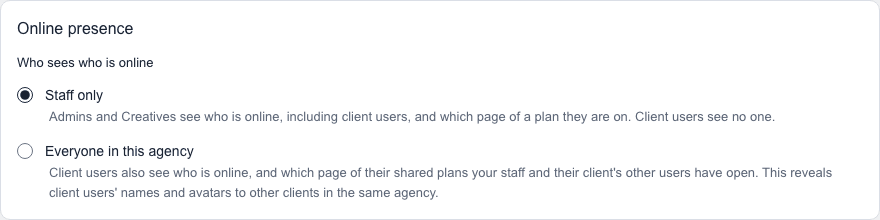
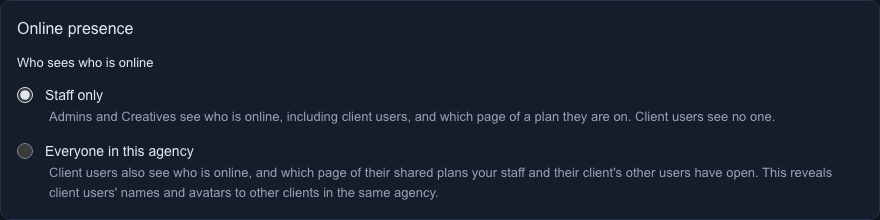
Staff only, the default, hides the list from client users. Everyone in this agency shows it to client users as well. That means clients see your staff, and also the names, photos and client names of other clients' users in your agency. Client users also see which page of their own shared plans your staff and other users of their client have open.
The change saves automatically and is recorded in the Activity log.