

For agencies / Sharing & approval
How client approval works
What your client approves, what you see when they do, and what asks them to approve again.
Who can do this: All staff
Sharing a plan lets the client see it. Approval happens post by post: there is no single button that approves a whole plan.
What the client does
- They approve a post by selecting one of its captions, and withdraw the approval by selecting it again.
- They approve a story set the same way or, when it has no caption, by selecting its No caption. Select to approve this story. box.
- They can suggest their own caption, one per post for everyone at the client, and comment.
- On a plan with more than one grid, they choose a grid with Choose this grid before approving. Approvals apply to that grid's posts.
What you see
Approved posts show a green tick on the grid, and the Table shows each post's Status. Approved plans counts the captions approved on each plan.
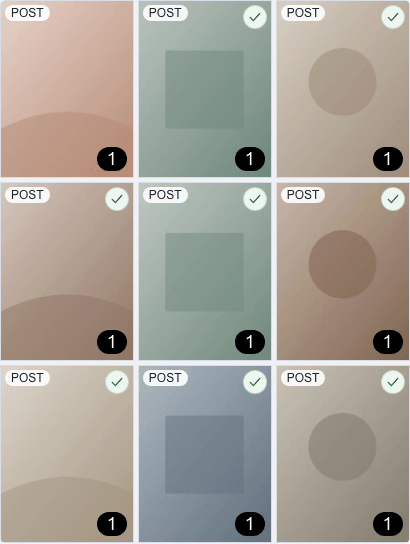
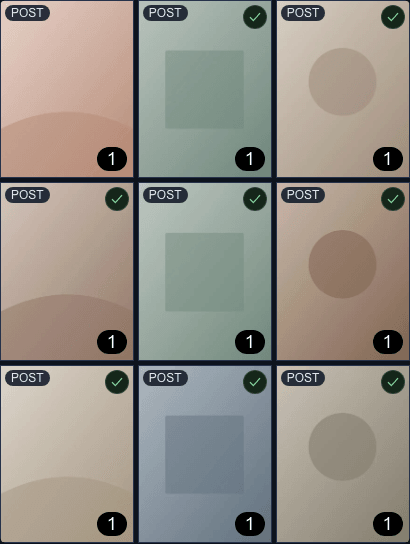
You are notified about approvals, suggestions, comments, withdrawn approvals and the client's grid choice. When every post and story is approved, you get Plan fully approved.
What asks the client to approve again
A change to approved content withdraws the approval, so the client sees what they approve:
- editing or deleting the caption they approved,
- adding or removing a photo or video,
- adding an alternative on the grid they chose.
If the client switches to another grid later, their approvals on posts that differ between the two grids are withdrawn, and you are told.
Notes
- Where a change emails the client, the app tells you who before you make it: a line under the button for caption edits, and a short confirmation for deletes and alternatives.
- Marking a post as already live also withdraws its approval. A live post can't be approved again.
- If the client likes one photo from another grid, they need to ask you to swap it in.