

For agencies / Dates and going live
Mark posts live
Record which posts are already on Instagram.
Who can do this: All staff
Steps
-
Open the post, or the plan's Table.
-
Turn on the switch in the post's Already live panel, or the post's switch in the table's Live column.
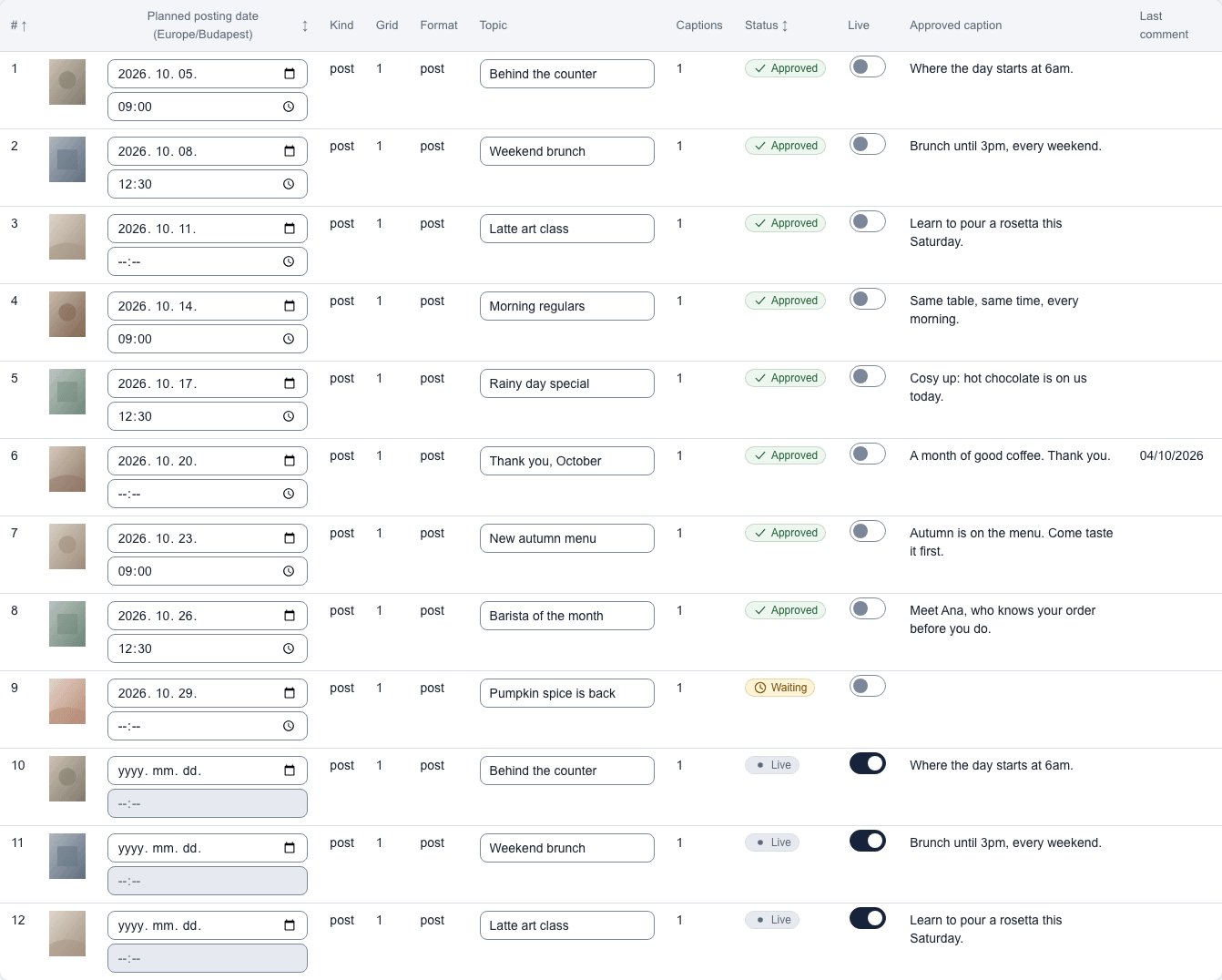
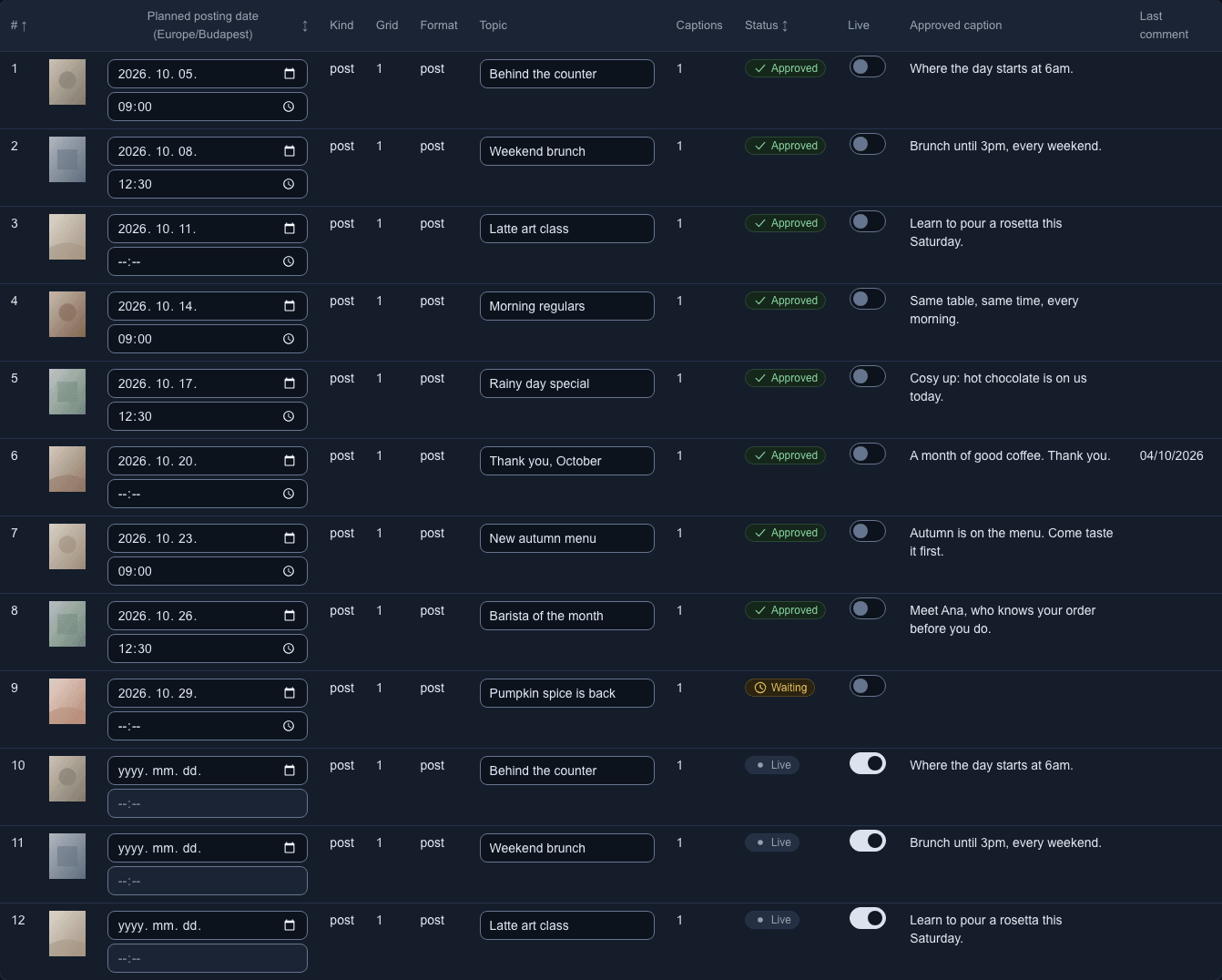
Posts marked live show the Live status.
What happens next
The post moves below the Already live divider on the grid and shows Live in the table. The switch records that the post is out. The Live column in Approved plans counts each plan's live posts.
Notes
- The switch is on the version of a post that will go out: the chosen grid's, or grid 1's until the client chooses.
- A live post's Captions panel reads Already live. Captions and approval are unavailable. Turn the switch off to work on it again.
- A post or story outside a plan has the same Already live switch in its Already live panel. See Posts outside a plan.
- Your agency may limit who can turn this switch on or off.