

For agencies / Getting started
Home
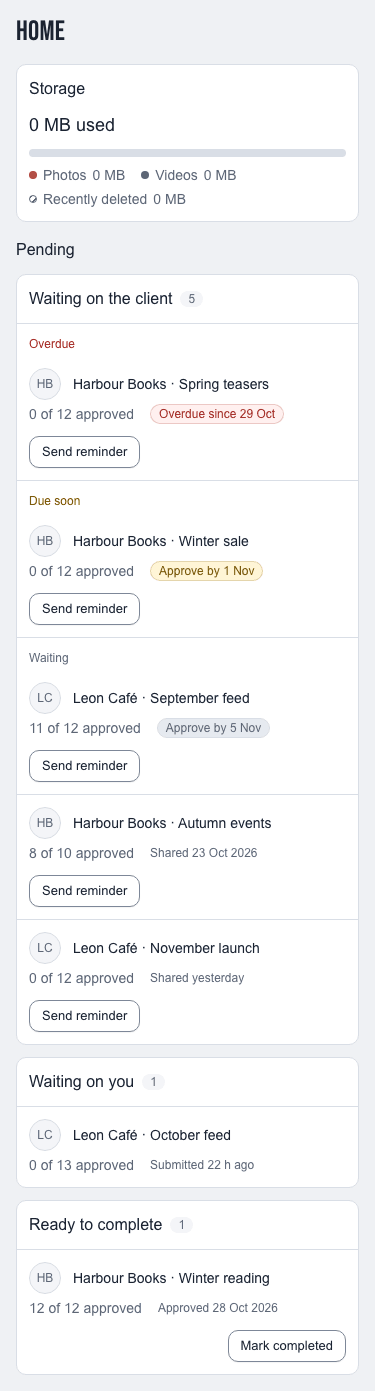
The page you open after signing in: how much storage your agency uses and which plans are waiting on someone.
Who can do this: All staff
Home is the first row in the menu and the page you open after you sign in. It shows how much storage your agency uses and which plans are waiting on someone.
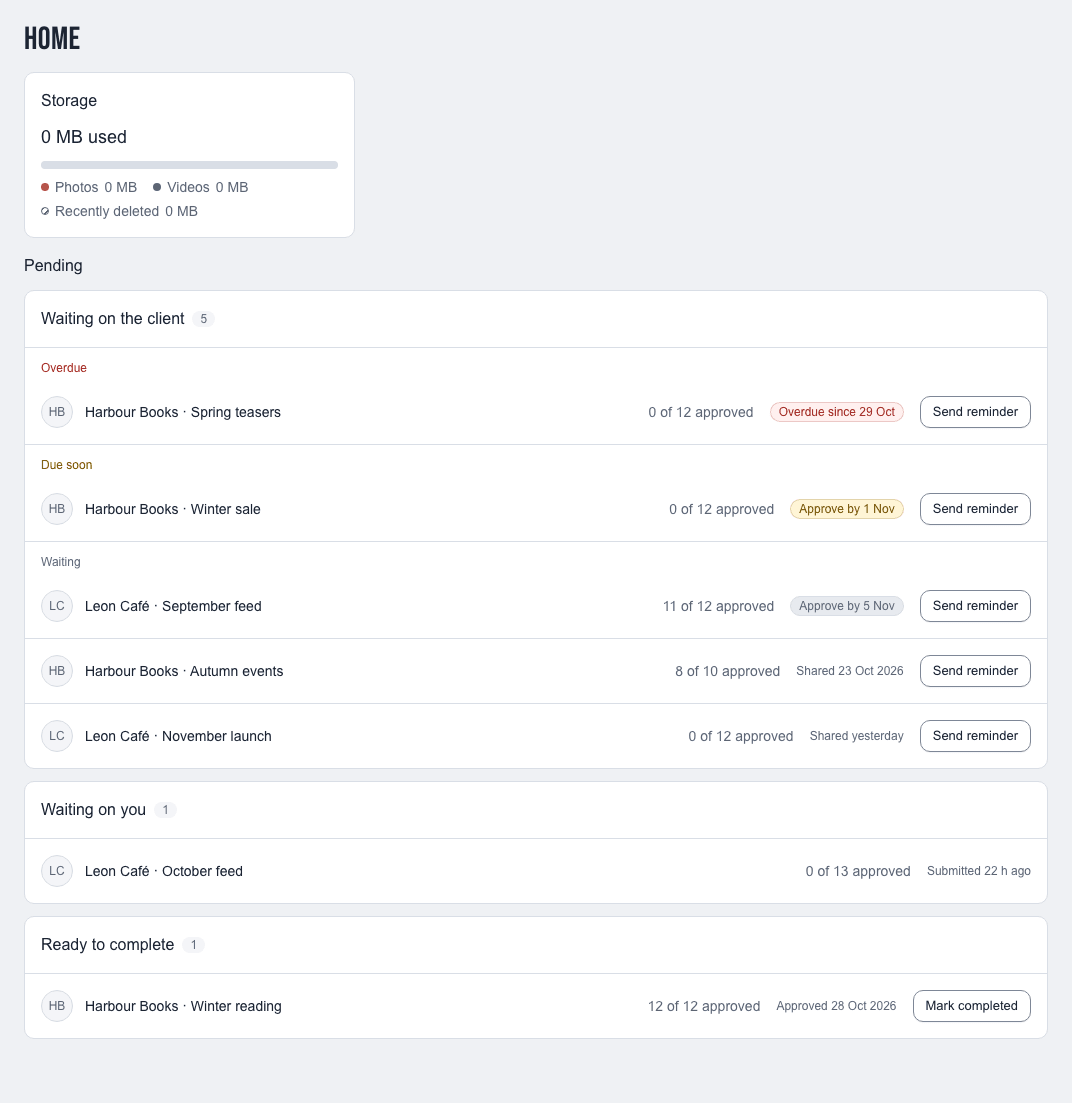
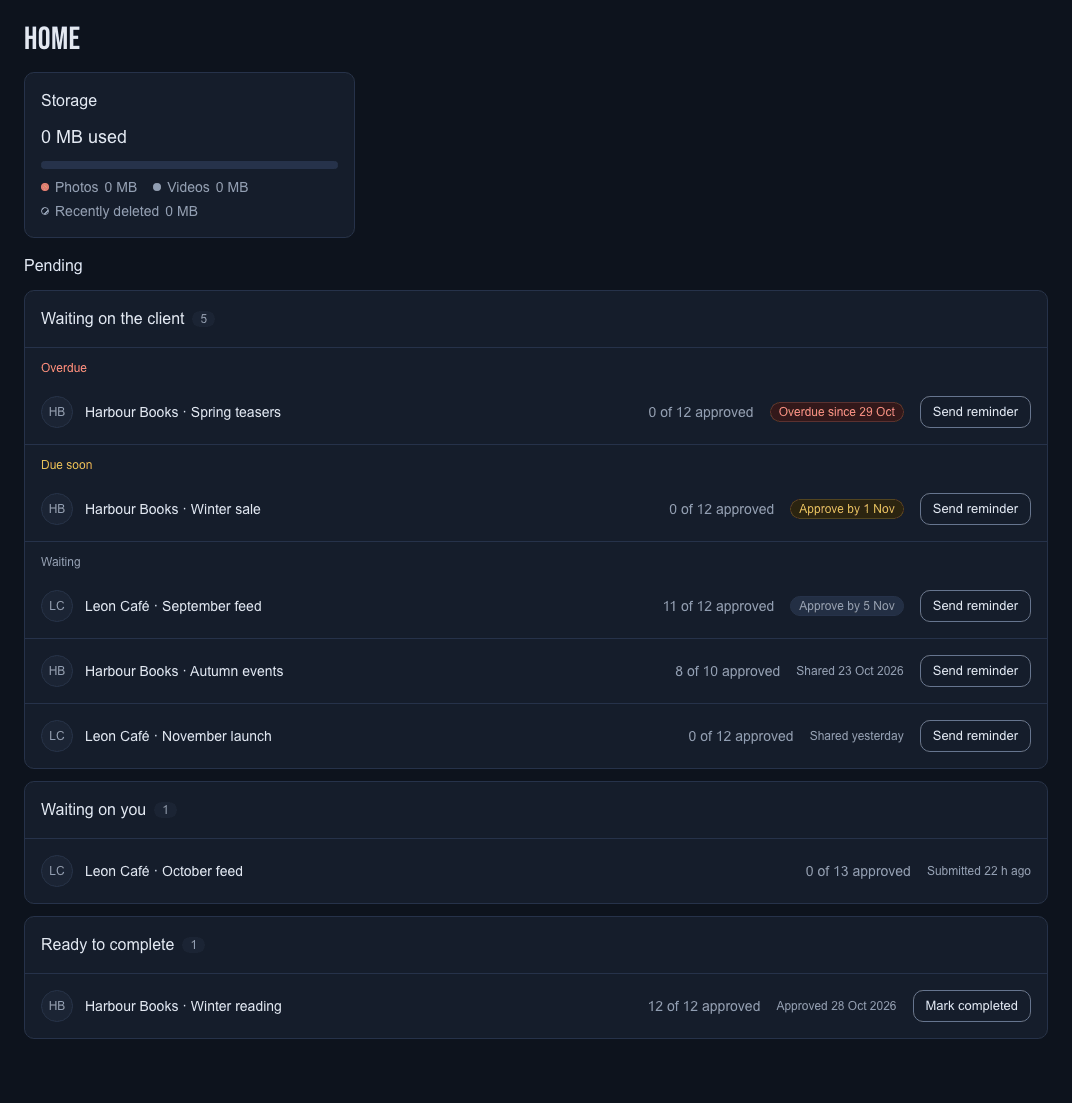
Storage
The Storage widget shows how much of your agency's photo and video space is in use. The bar splits the total into Photos, Videos and Recently deleted. Deleted items keep their space until they are removed for good.
Pending
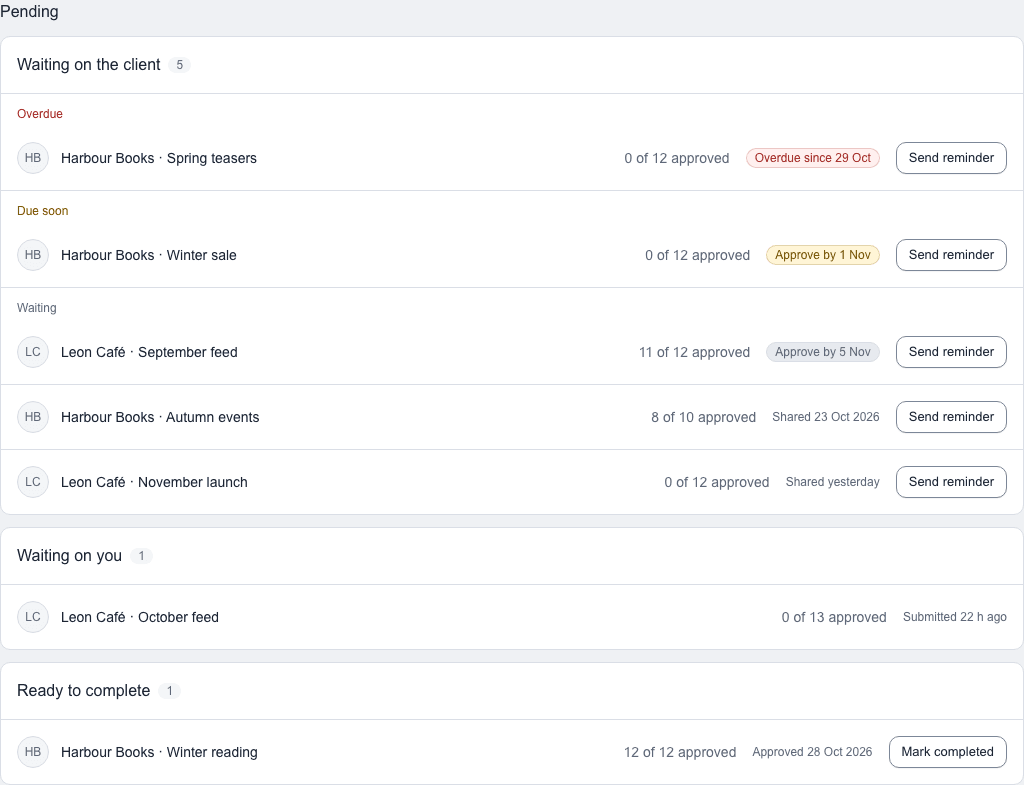
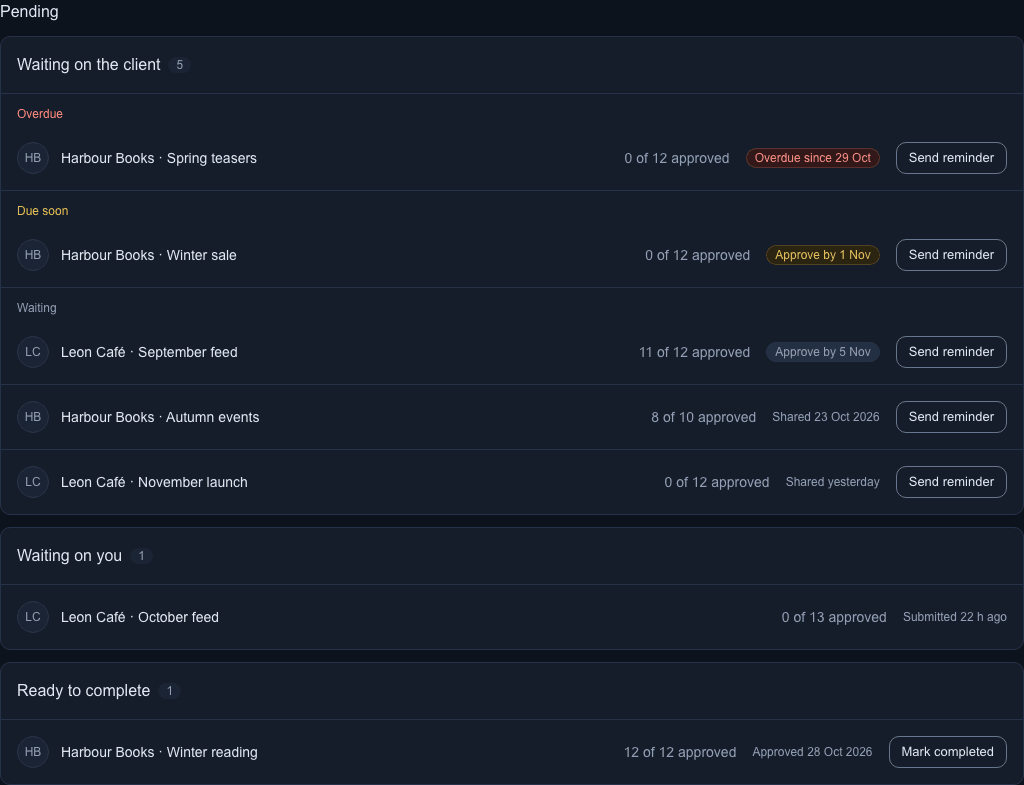
Pending lists the plans that need attention, in up to three groups. A group with no plans is left out.
| Group | Plans in it | Who sees it |
|---|---|---|
| Waiting on the client | Shared plans the client hasn't fully approved yet, split into Overdue, Due soon and Waiting. | Admins and creatives |
| Waiting on you | Plans submitted for review, oldest first. | Admins |
| Ready to complete | Shared plans where every post and story is approved and that aren't completed yet. The plan approved longest ago is first. | Admins and creatives |
Each row shows the client and plan name, how many posts and stories are approved, such as "3 of 12 approved", and a date: the Approve by day, when the plan was submitted, or when its last post was approved. Select a row to open the plan's grid.
When nothing needs attention, Pending says Nothing pending right now.
Overdue, Due soon and Waiting
Inside Waiting on the client, plans with an Approve by day come first:
- Overdue: the Approve by day has passed, shown as "Overdue since 24 Oct".
- Due soon: the Approve by day is today or in the next two days.
- Waiting: the day is further off, or the plan has none.
Each part starts with the earliest Approve by day. Plans with the same day, or with none, start with the one shared longest ago. The day counts on your client's own clock.
Remind the client
Select Send reminder on a row to email the client's users a reminder to approve. It works once every 24 hours per plan; the row says when the last reminder went out. The same button is in the plan's header.
Complete a plan
Select Mark completed on a Ready to complete row and confirm. The plan leaves Home, and the client keeps seeing it, read-only.
What you see as a creative
A creative sees only the plans of the clients assigned to them, and never the Waiting on you group.
On a phone
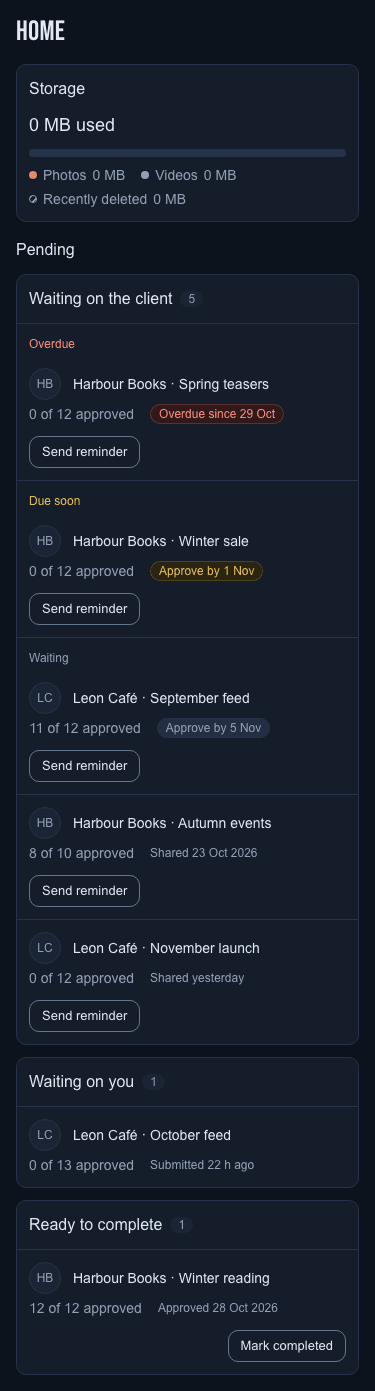
The widget and the groups stack in one column, and each row puts its progress under the plan name.
Notes
- Plans of archived clients and the tour's sample plan are not listed.
- Home refreshes by itself when a plan changes.