

For agencies / Planning
Comments and internal notes
Leave notes your team sees, or comments your client sees, on any post, story or grid.
Who can do this: All staff
Steps
-
Open the post or story set and scroll to Comments.
-
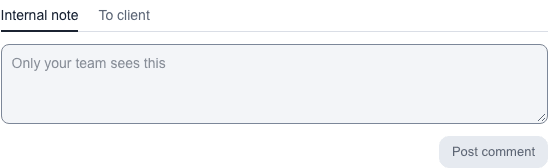
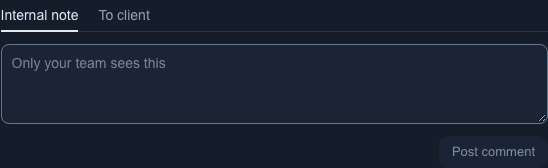
Choose Internal note for your team only, or To client for a comment your client sees. Internal note is chosen at first.
-
Type your comment and select Post comment.
What happens next
✓ Comment added shows at the bottom of the screen. Internal notes carry an Internal label and are never shown to the client, not even in the PDF. Your team is notified about internal notes; the client is notified about comments sent to them.
Notes
- Some feedback is about the feed as a whole. To comment on a whole grid, open the plan on Grid with no post open, and select the grid's pill if the plan has alternatives. Comments on Grid 2 under the prompt holds that grid's comments and works like a post's Comments; on a phone it is under the feed. With a post open, select Comments (the speech bubble above the feed) to close the post and go to the grid's comments. The button and each pill show how many comments their grid has, and a plan without alternatives has Comments on Grid 1. Your client comments on a grid from its page of the plan. Notifications about it say "commented on Grid 2" and open that grid. A grid with new comments from others shows an orange dot on its pill and an orange count on Comments; they clear the next time you load the plan after opening that grid's comments. Your own comments never count.
- If a comment to the client will email someone, the box says The client sees this and gets an email before you post. If nobody at the client would get that email, it says The client sees this.
- On a post or story outside a plan, the panel is titled Internal notes, and you add a note with Add note. Nobody is notified about these notes. See Posts outside a plan.
- Text you haven't posted yet is kept for each post while you open other posts, and comes back when you return. It is cleared when you post or cancel.
- Use the pencil to edit your own comment, or the bin to delete it. A deleted comment goes to Recently deleted for 15 days. You can't edit or delete other people's comments.
- A completed plan is read-only: you can't add, edit or delete comments on it. Reopen the plan first.